
TemplateStudio
Schema-driven app authoring. Declare. Don't drag-wire.
Retool and AppSmith want you to drag widgets onto a canvas and bind each one by hand. TemplateStudio generates the editor, list, and validator from a 20-line LiteSpec schema.
Widget-on-canvas authoring is hand-binding fatigue.
Build a form in Retool: drag inputs, bind each to a field, write validation per-input, write event handlers for cascading dropdowns. Then do it again. And again. Same conceptual screen, three to five hand-built artifacts.
Worse: those widgets live in the vendor's cloud. You can't git diff your app. You can't promote a screen between environments without lift-and-shift through the vendor's API.
Key features
Declare the schema. Get the app.
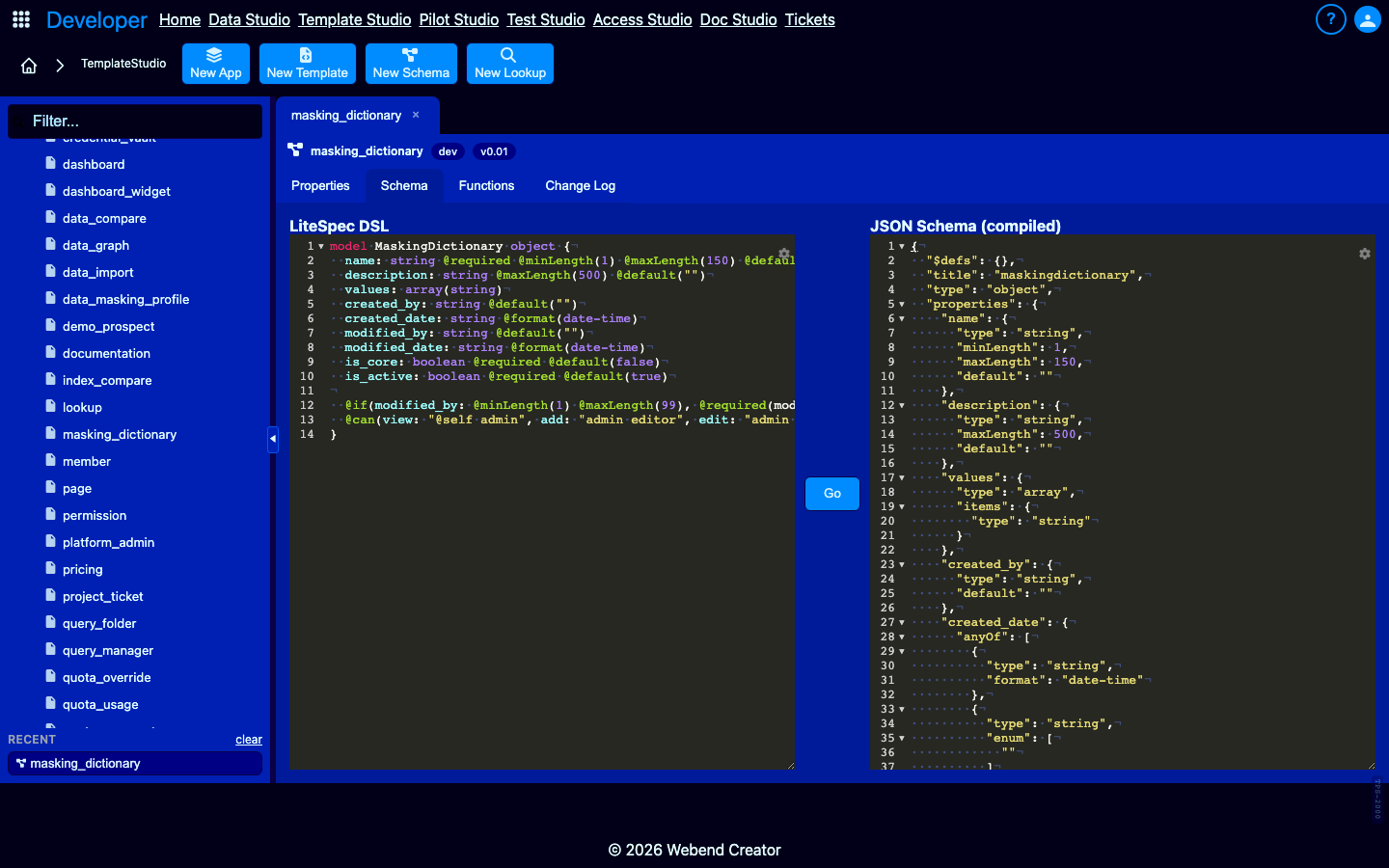
LiteSpec generates the entire form.
Declare a model in LiteSpec — fields, types, validation, conditional rules, permissions — and the platform generates a list view, single-record editor, client-side and server-side validation, audit field stamping, REST API endpoint, and authorization gates. Twenty lines of LiteSpec replace 200 lines of widget config.
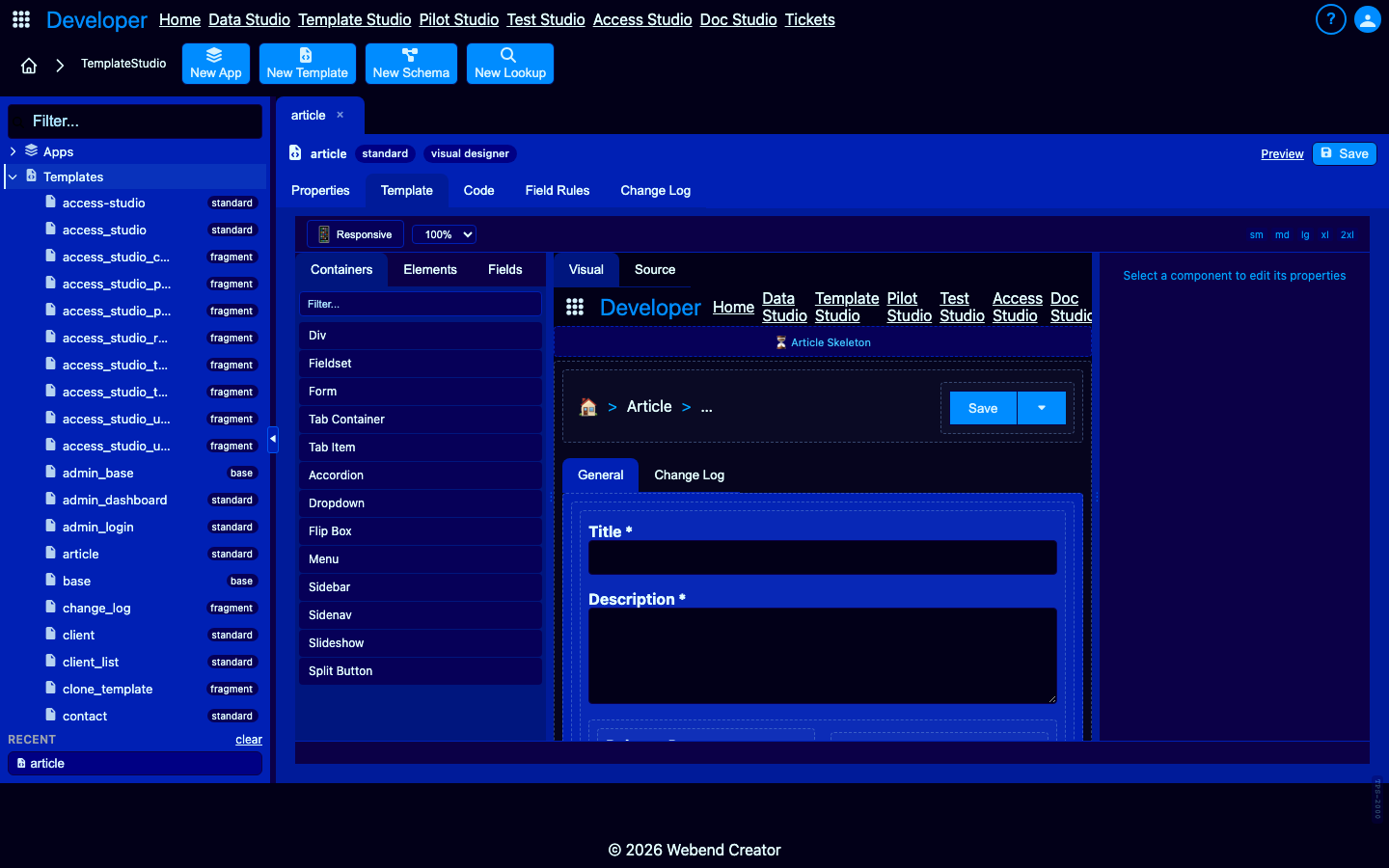
Visual designer with code round-trip.
Drag-drop canvas for layout-first authoring. Visual edits write Pongo2 markup directly to the template's content field. Switch between visual and code mode at will — both views are live representations of the same underlying template.
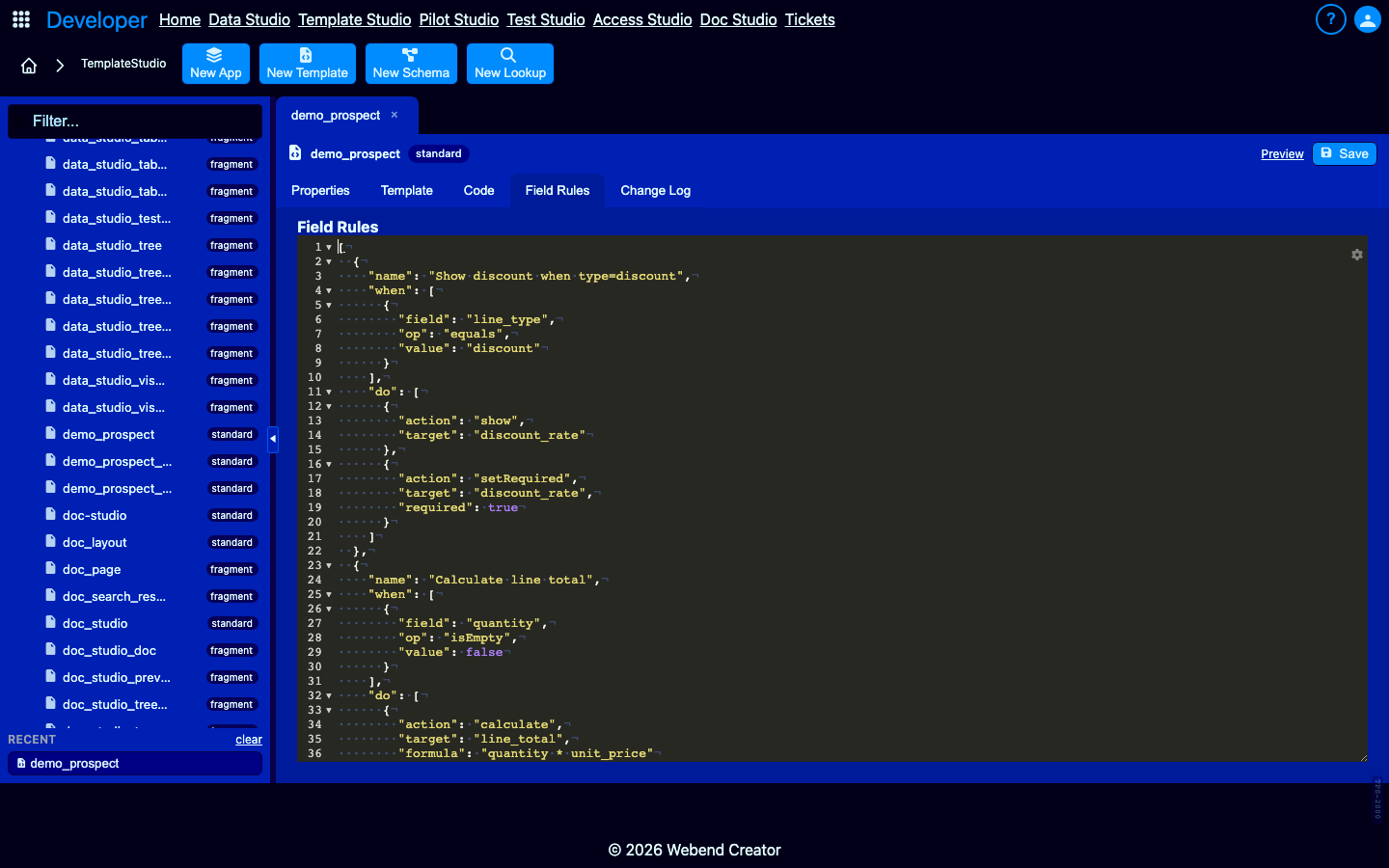
Field rules: declarative cross-field behavior.
syncWith, calculate, updateOptions, setValue — no event handlers, no binding-language expressions. Change a dropdown value, watch dependent fields recalculate, options refresh, visibility toggle. All declarative, surveyable from the template editor.
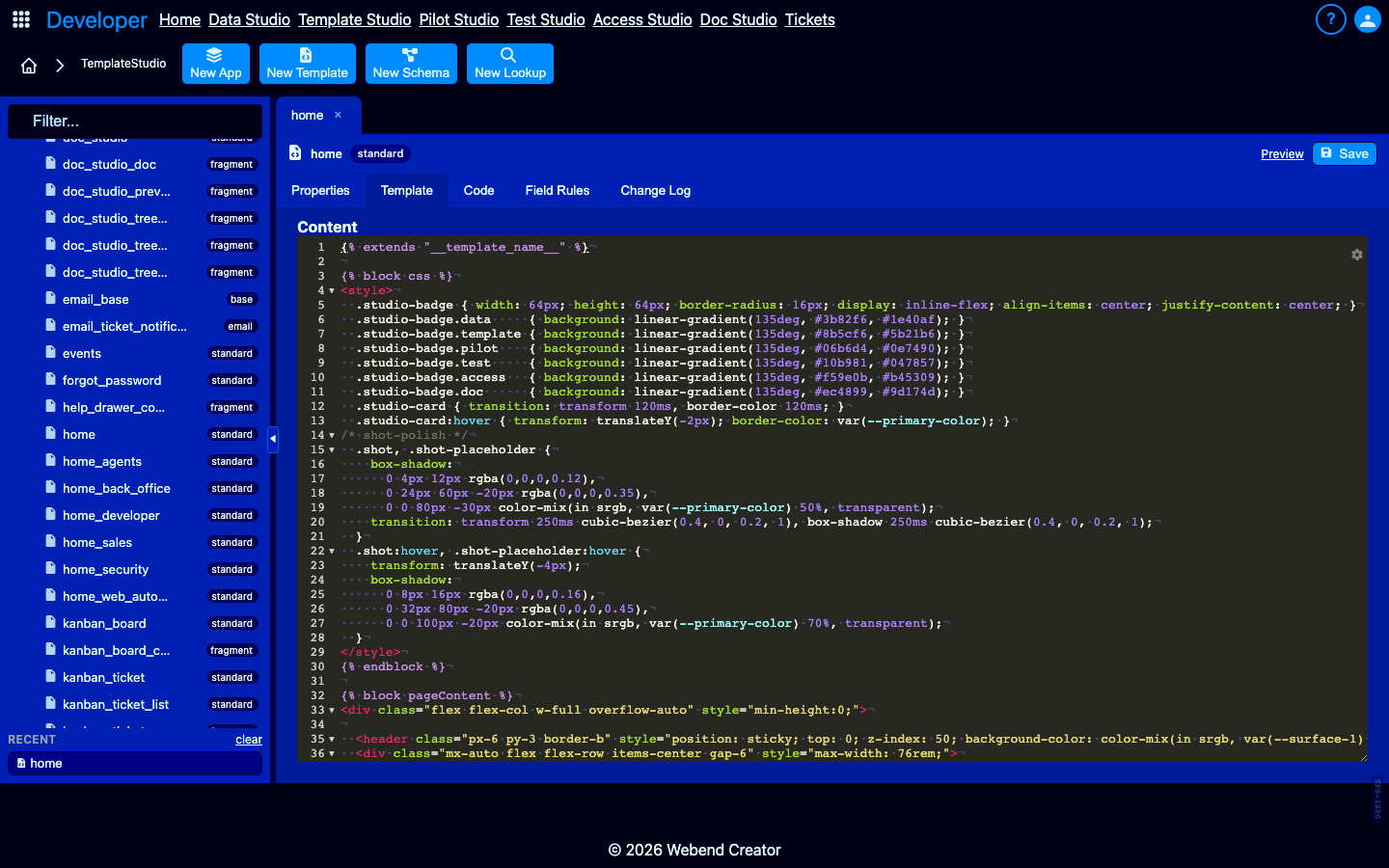
Composition via include and extends.
Share fragments across hundreds of templates. Base templates host common chrome; fragments hold reusable form sections. Edit a base once; every template inheriting it updates.
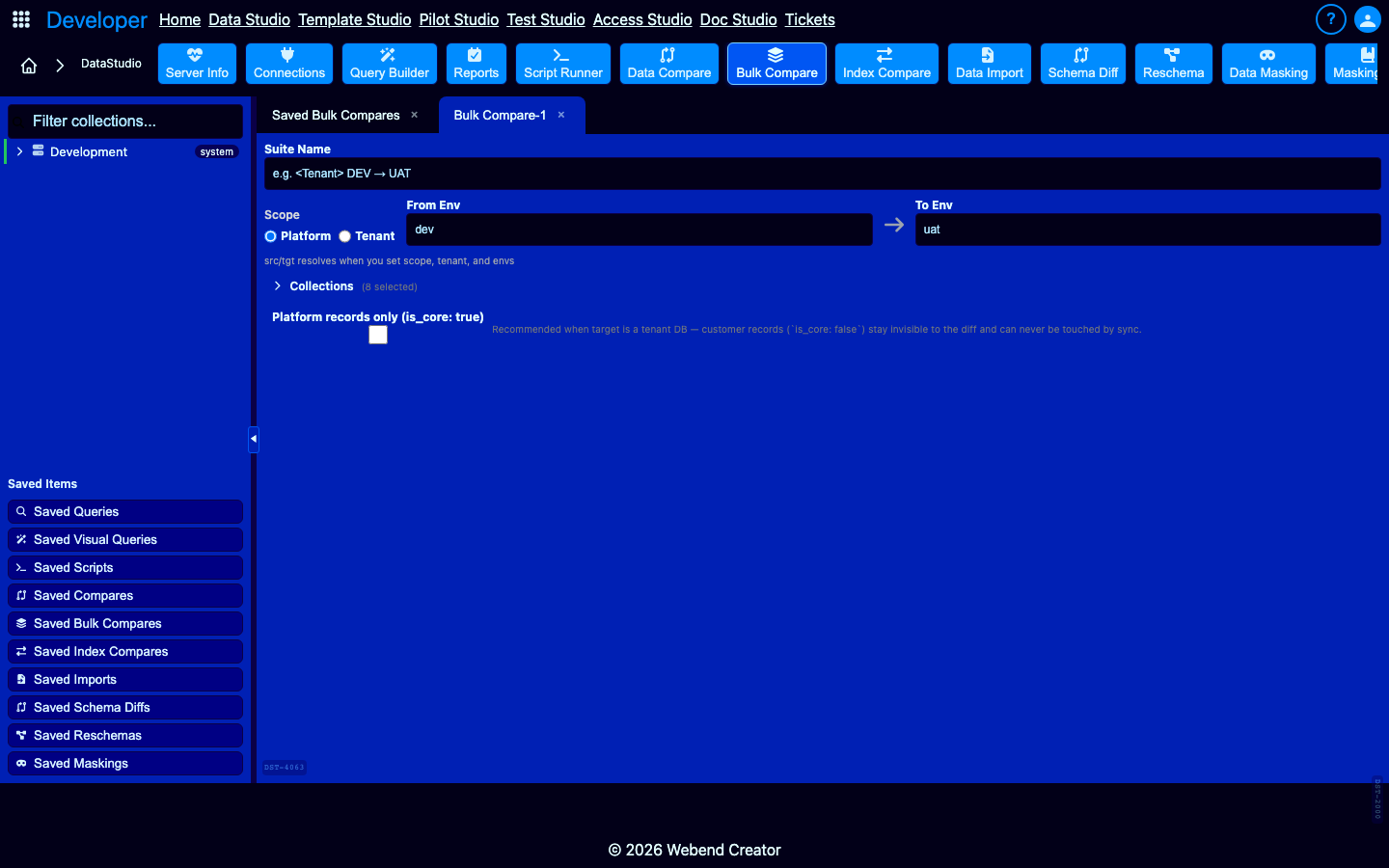
Round-trip between environments.
Templates live in _template_builder — pure MongoDB. The Bulk Compare tool promotes templates between dev / staging / prod the same way you promote application data. Field-by-field diff visibility, selective sync.
What only TemplateStudio offers
What Retool, AppSmith, and Budibase cannot do.
Use cases
What teams build with TemplateStudio.
Internal admin tools
CRUD UIs for tenant onboarding, billing review, support triage. Declare LiteSpec, get the editor.
Customer-facing forms
Quote requests, application intake, signup flows. Render at /v/
Reports and dashboards
Code tab fetches data via ctx.DB. Content renders charts, tables, KPI cards via Wave CSS components.
Multi-tenant white-label apps
Same template renders across tenants. Each tenant's data in its own MongoDB DB. Routing handled by platform.
Build apps without widget-wiring fatigue.
TemplateStudio replaces Retool / AppSmith / Budibase with a MongoDB-native template editor. Promote between environments with the same tool you use for data.